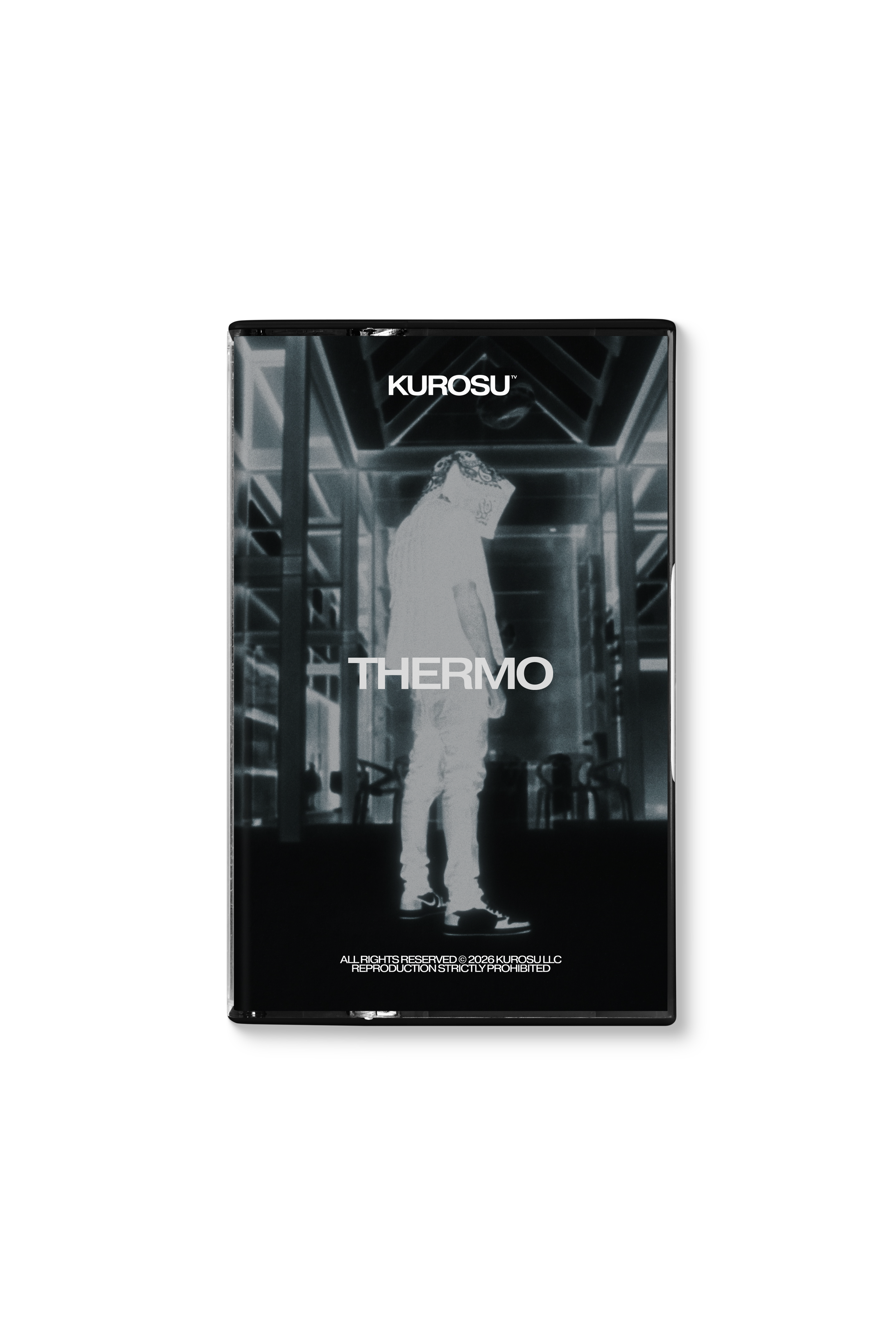
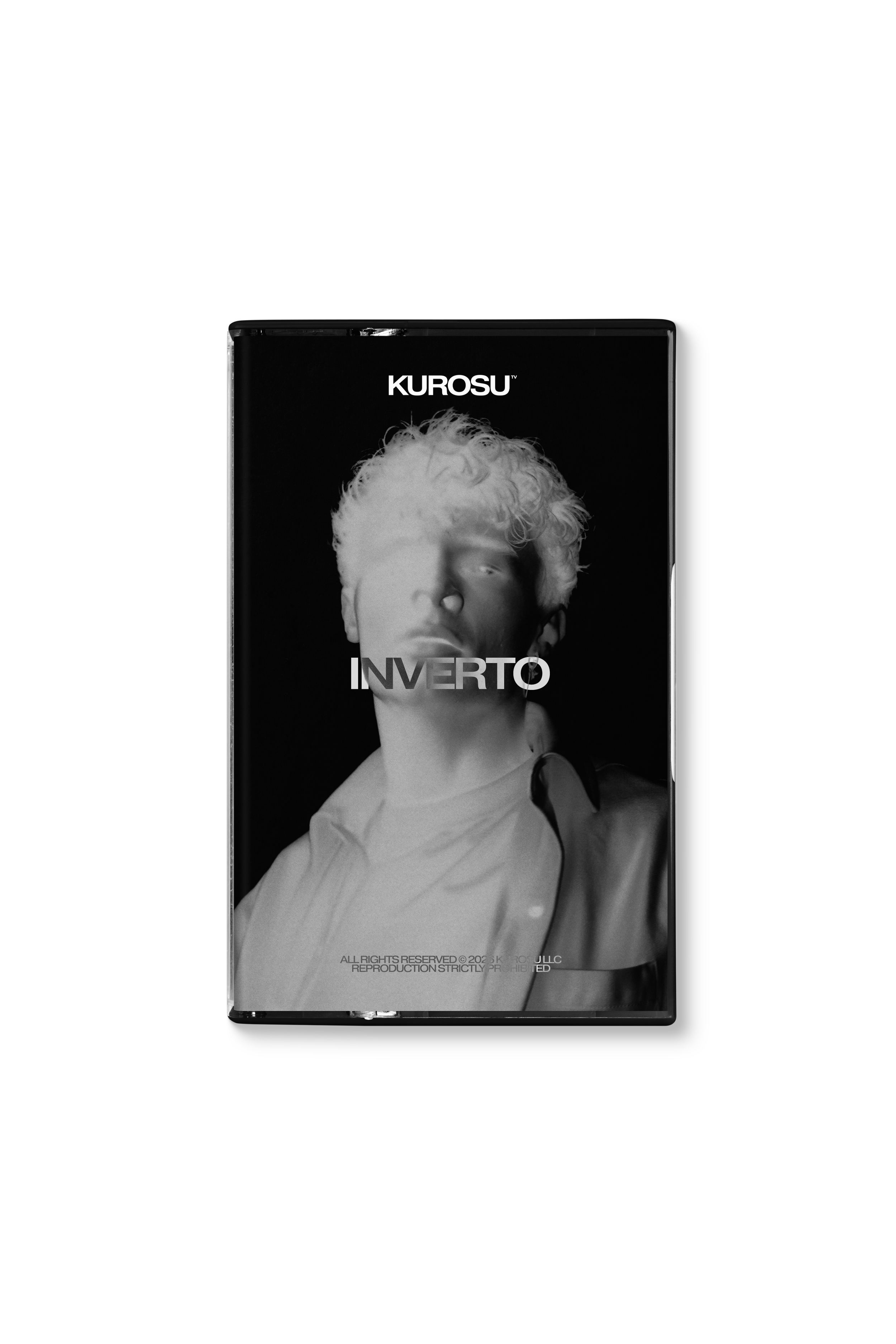
 Image 1 of 3
 Image 2 of 3
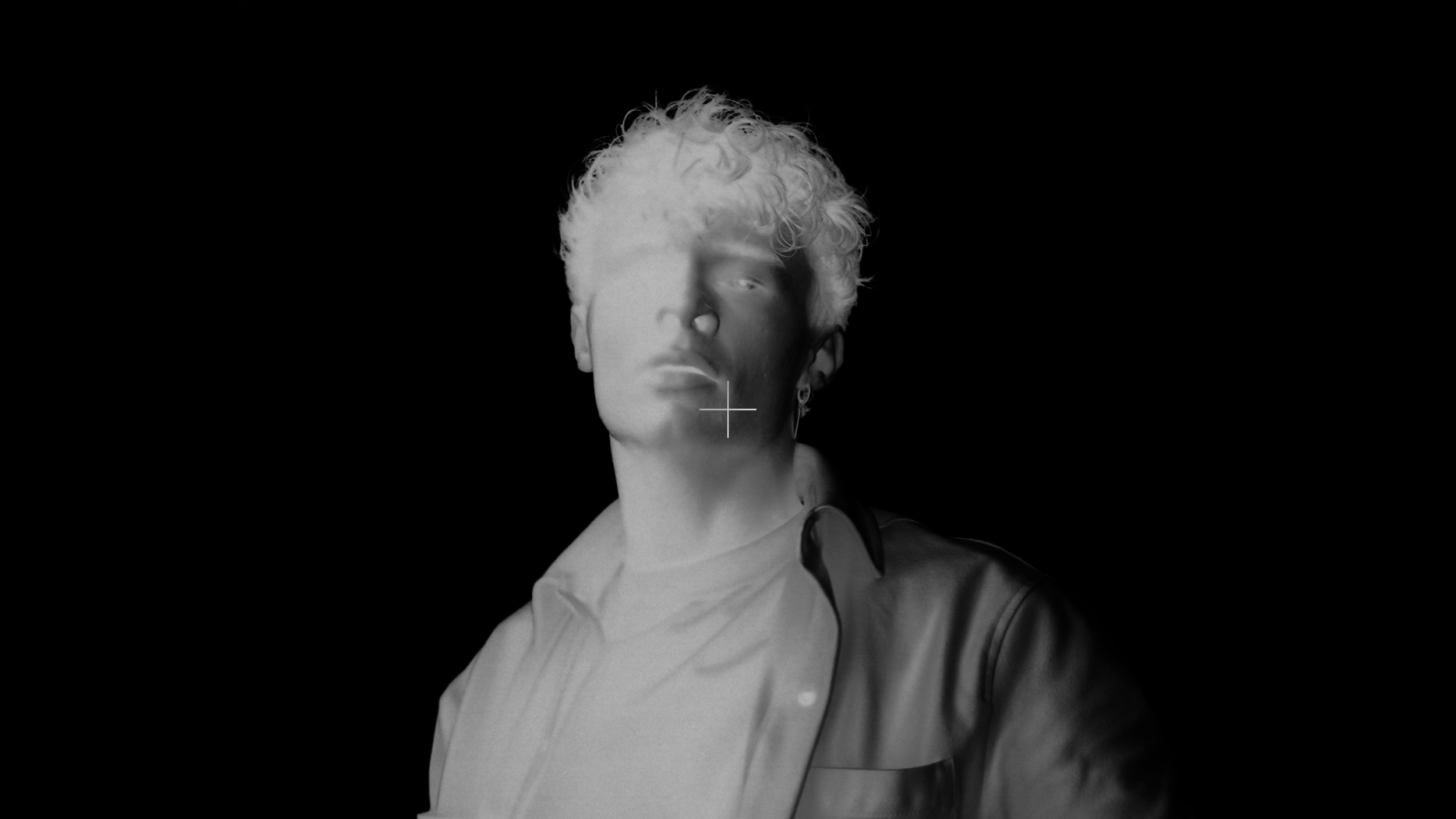 Image 3 of 3
INVERTO
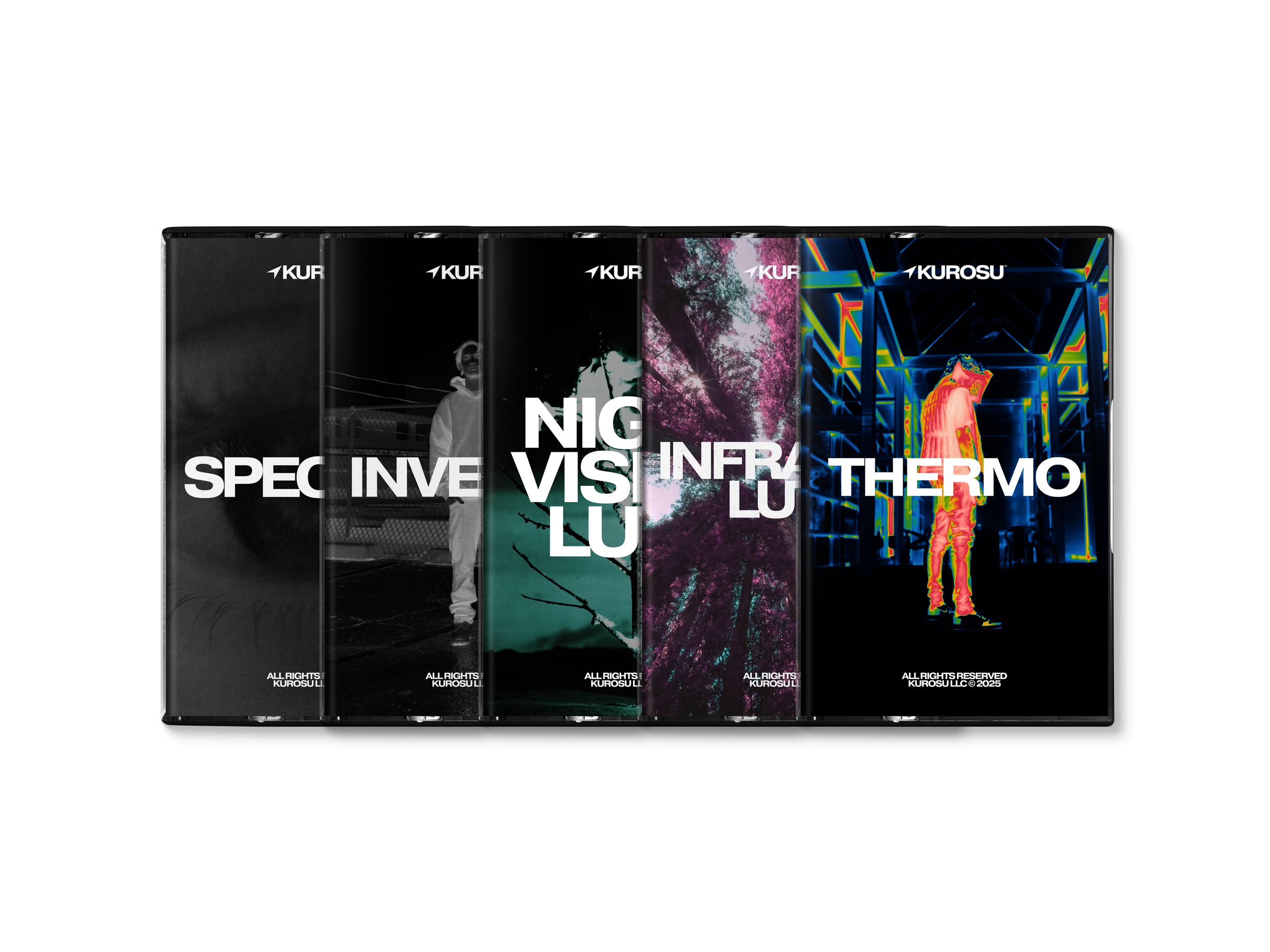


INVERT YOUR EDITS
INVERT YOUR EDITS
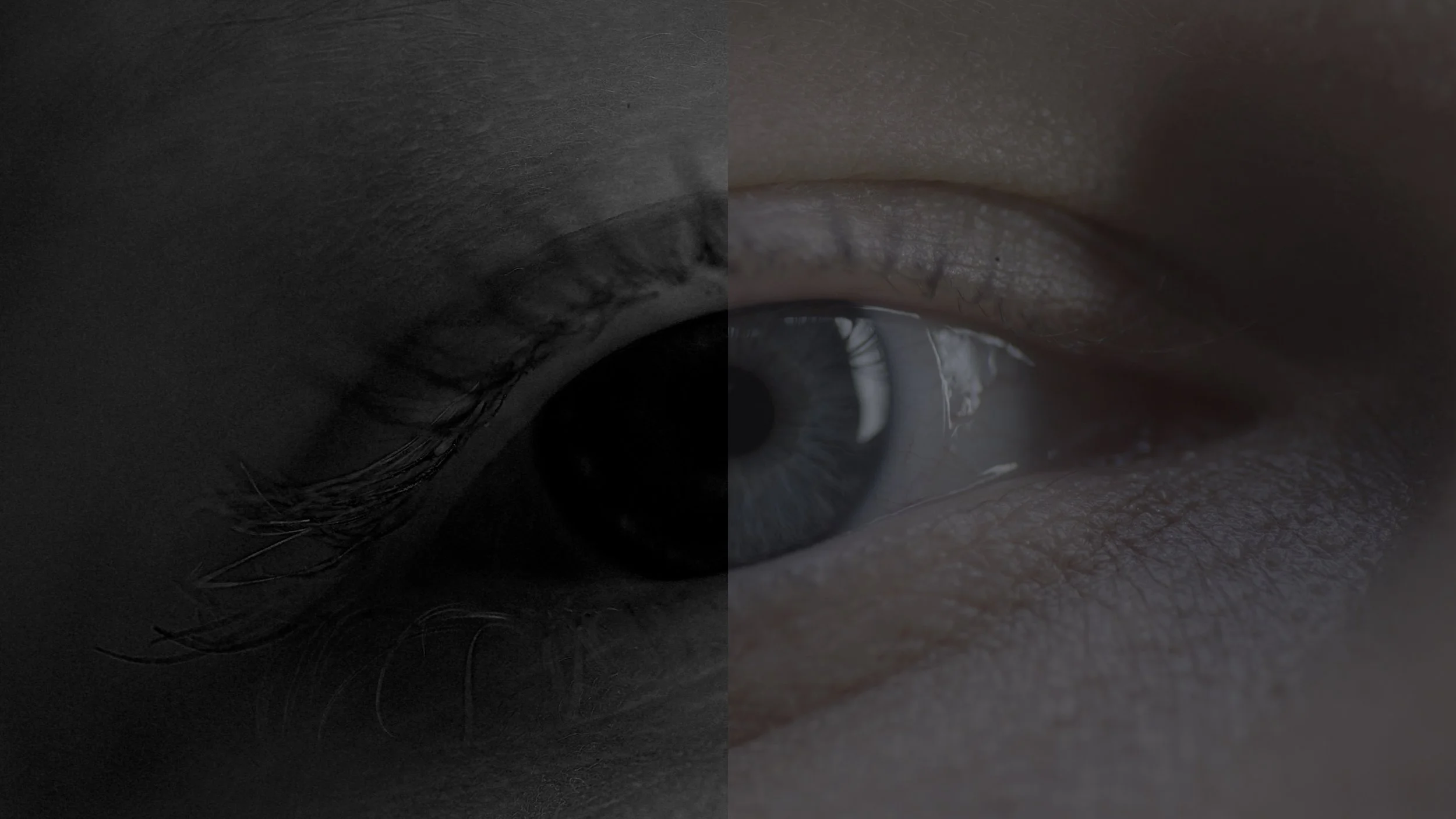
Any editor can slap an “Invert” effect, flip the RGB channels, and call it a day. INVERTO takes the negative aesthetic way further!
We’ve remixed the classic inverted look with custom color re-mappings, hue swaps, and dual-tone split-channel profiles, creating completely unexpected black and white inverted combinations. Drop these assets straight into Premiere Pro, DaVinci Resolve, or Final Cut Pro to give your music videos, title cards, and high-energy transitions an aggressive, fresh visual edge.
-
30 B&W Inverted LUTs
-
.CUBE files (33×33×33)
-
Adobe Premiere Pro
Adobe After Effects
Davinci Resolve
Final Cut Pro X
Capcut
Vegas Pro
Filmora
Avid Media Composer
+ more
-
Personal & Commercial use
100% Royalty-free
Lifetime access
Single-user license
*For Extended Licenses, please contact us at: contact@kurosu.co
DYNAMIC COLOR MAPPING
Your lighting setup dictates the overall outcome! Dialing basic lighting controls like Highlights, or Shadows in Lumetri Color or DaVinci's Primaries pushes and pulls your image into entirely different color zones within the LUT's mapping.
This gives you thousands of subtle variations from a single LUT by just moving a simple exposure slider!
ULTRA-SMOOTH TONAL ROLLS
While these LUTs will flip any footage, they perform at their absolute best when applied to clean, uncompressed camera LOG profiles (like S-Log3, Canon C-Log, etc). Because LOG footage retains maximum latitude in the shadows and highlights, the LUTs have more data to work with, resulting in silky, continuous tonal gradients across the inverted values rather than harsh, pixelated banding or digital noise.
SEE THESE LUTS IN ACTION
SEE THESE LUTS IN ACTION
-
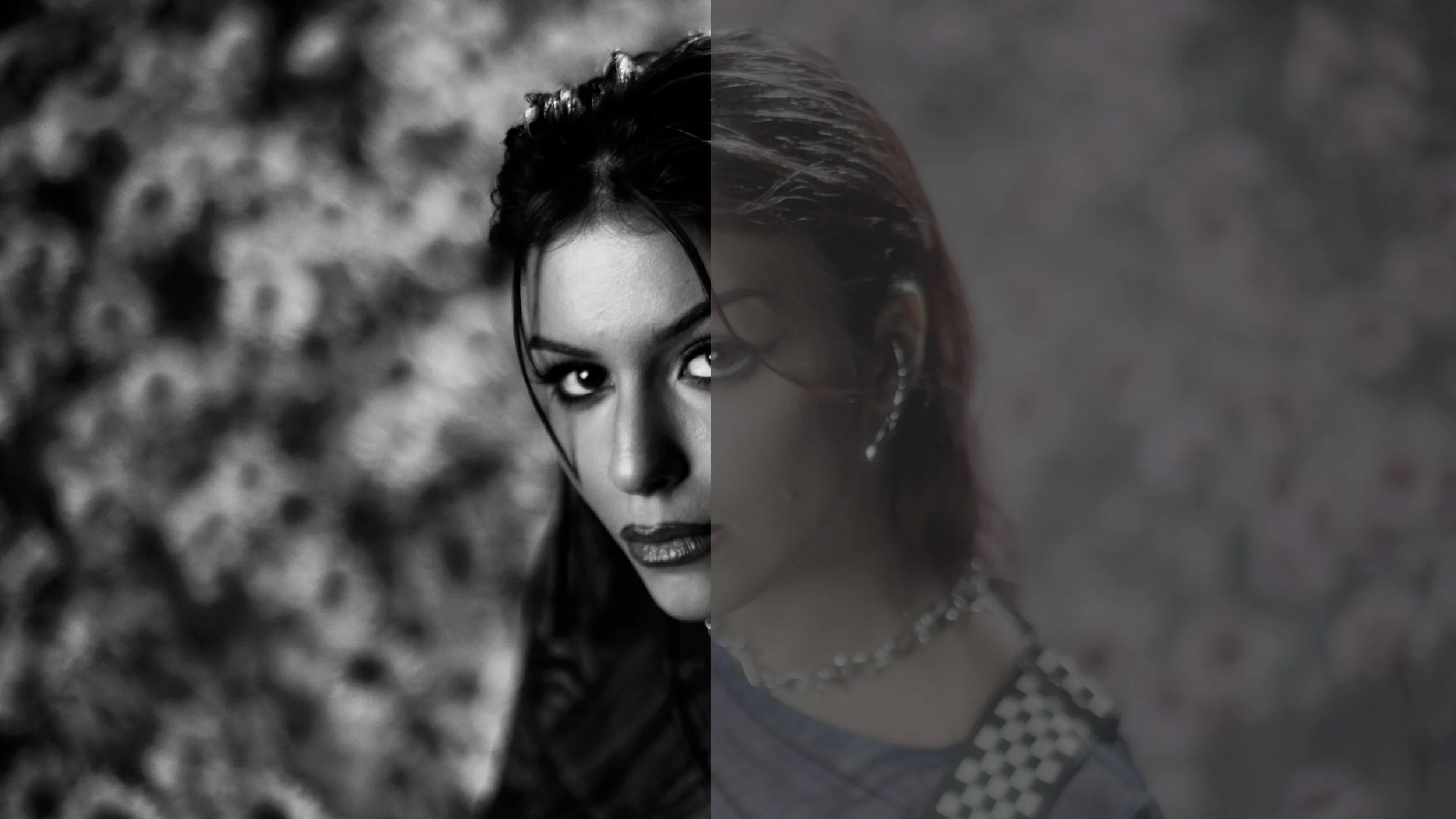
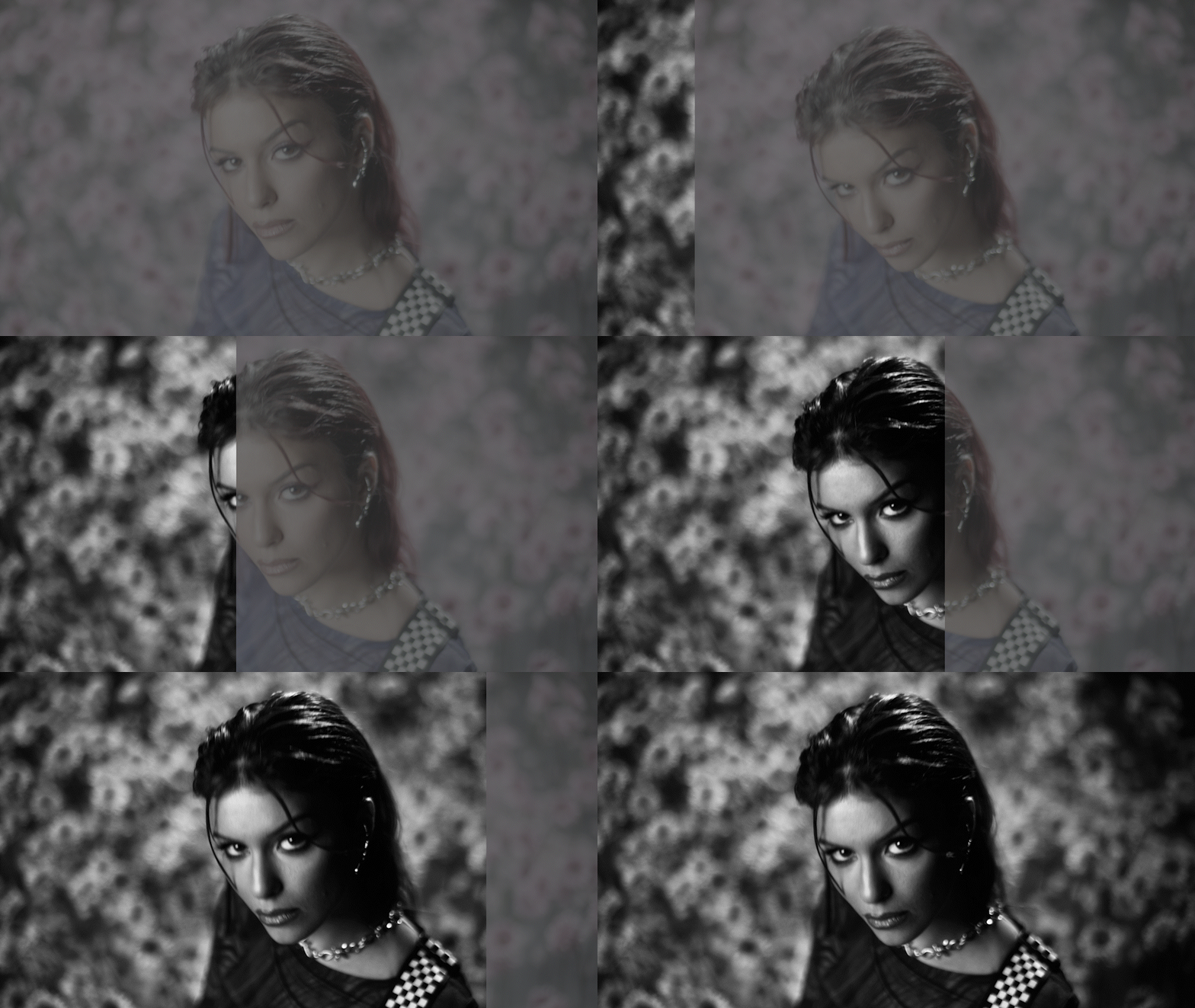
Standard monochrome LUTs try to keep things safe and natural, whereas these LUTs lean entirely into high-contrast experimentation, giving your footage a distinct, surreal weight that completely separates your edits from traditional black-and-white cuts.
-
These LUTs work with ANY major editing software that supports .CUBE files.
This includes: Adobe Premiere Pro, Adobe After Effects, Davinci Resolve, Final Cut Pro X, Capcut, Vegas Pro, Avid Media Composer, Filmora + more. -
Easy! Simply open your software’s color panel (e.g. Lumetri Color in Premiere Pro or the Color Page in Davinci Resolve) and use the “Import” or “Browse” function to select the specific LUT from your downloaded folder. 😎
INVERTO
INVERTO
PREMIUM QUALITY
HUMAN-MADE ASSETS

SECURE PAYMENT
INSTANT DOWNLOAD
IMPROVED EDITS
LIFETIME ACCESS
UNLOCK ALL ACCESS BUNDLE
AND SAVE $699+
Get instant access to our COMPLETE master collection including ALL future releases